
Get Automated → Workflow Automation

Workflow Automation

Connecting the tools you already use so information moves between them without anyone touching a keyboard. A new lead triggers a Slack alert and an email sequence, automatically, every time.
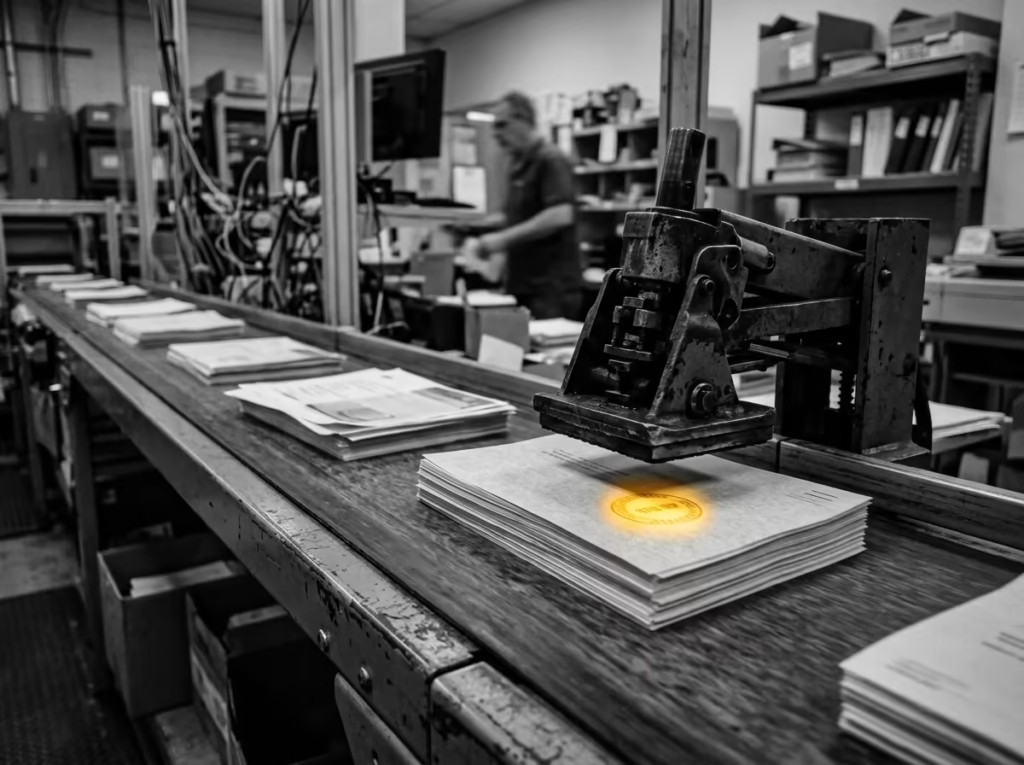
Localz Marketing — Workflow Automation selective color photography

What’s included

Process Mapping and Automation

Every manual, repetitive process gets mapped and rebuilt as an automated workflow, starting with whatever eats the most staff time.

  • Process audit walks through each handoff between tools, spreadsheets, and inboxes to find where data gets re-entered by hand
  • Workflows built in Zapier, Make, or n8n depending on which platform your existing stack already supports
  • Each automation tested against edge cases like duplicate submissions and missing fields before it goes live

Tool Integration

Your CRM, email platform, calendar, and other tools connected so data entered once shows up everywhere it’s needed.

  • Native integrations set up for platforms like HubSpot, Salesforce, Google Workspace, and Mailchimp where a direct connection exists
  • Webhook and API connections built for tools without a native integration, mapped field by field
  • Two-way sync configured so updates in one system push to the others instead of creating conflicting records

Lead Routing and Follow-Up

New leads routed to the right person instantly, with automatic follow-up sequences triggered the moment they arrive.

  • Routing rules built around territory, product line, or rep availability, matching how your sales team actually splits work
  • Trigger and action pairs such as form submitted to Slack alert, or lead scored to email sequence, configured per lead source
  • Fallback assignment set so a lead never sits unclaimed if the primary rep is unavailable

Automation Monitoring

Ongoing monitoring so a broken integration gets caught before it costs you a week of leads.

  • Error handling and retry logic built into each workflow so a single failed step does not silently drop a lead
  • Alerts fire to Slack or email the moment a workflow stops running or an API connection breaks
  • Monthly checks confirm every integration is still authenticated and passing data correctly

How it works

01

Map the Process

We document every manual step in your current workflow, from capture to close.

02

Identify Automation Points

We flag which steps can be automated now and which need a process fix first.

03

Build and Connect

Workflows get built and tools connected, tested against real data before going live.

04

Monitor and Refine

We monitor for broken triggers and refine the workflow as your process changes.

What to expect

Minutes

Lead response time

New leads get routed and followed up on automatically, instead of sitting in an inbox until someone checks.

1 System

Single source of truth

Every tool feeds the same record, so nobody’s working from stale or duplicate data.

Ongoing

Automation monitoring

Broken triggers get caught and fixed before they cost you a week of missed leads.

Explore related services

Frequently asked questions

Most modern CRMs, email platforms, calendars, and form tools connect directly; anything without a native integration can usually be bridged.

Ongoing monitoring catches breaking changes, and the workflow gets patched before it causes a gap in coverage.

No, monitoring and maintenance are handled as part of the engagement, not handed back to your team.

Whatever costs the most manual time or leaks the most leads gets prioritized first, based on the process map.

Want automation built into a full growth system?

We’ll show you exactly where this fits alongside the rest of your stack.